ShopDreamUp AI ArtDreamUp
Deviation Actions


Suggested Deviants


Suggested Collections


You Might Like…



Description

 A new version of this theme is available, much more stable and without bugs. Upgrade now!DOWNLOAD THE VERSION 5.0:[link]
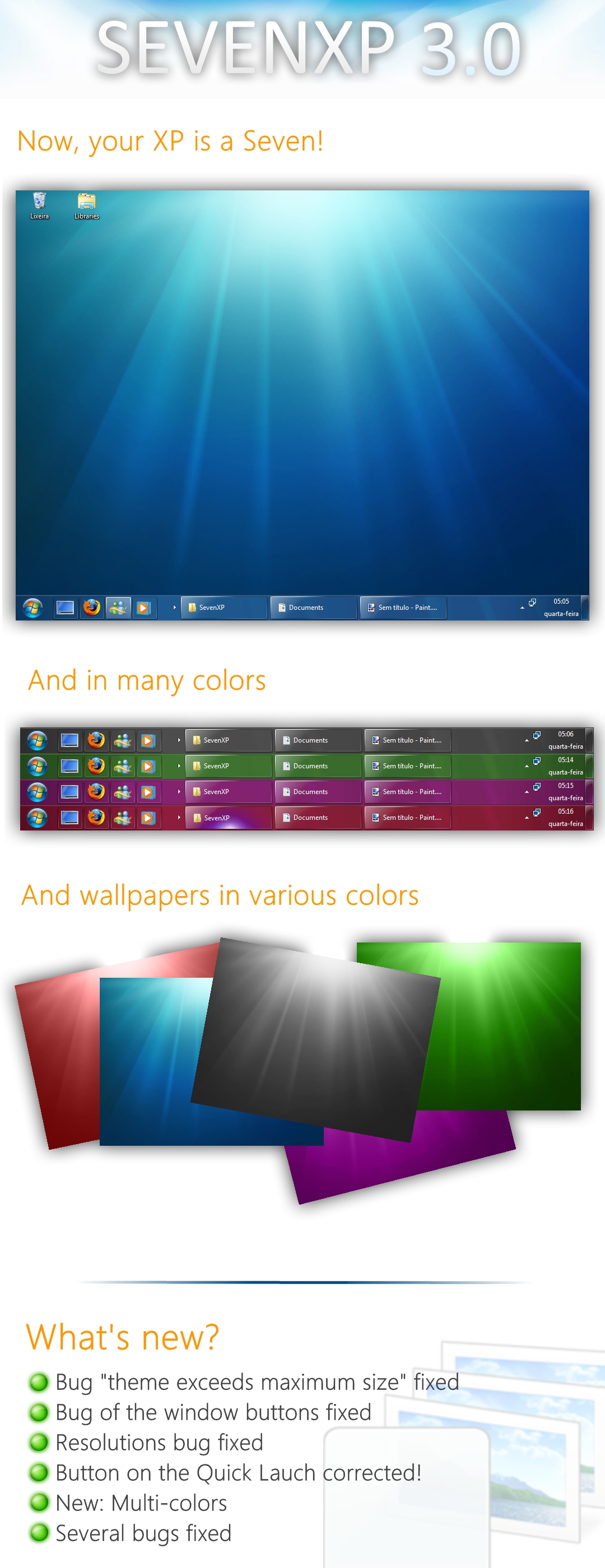
Want to transform your Windows XP in a Windows 7 with less than 9MB of files? Then you must use the SevenXP.

Like the theme? Click in
 Thanks!
More information and download links: [link]
******
Notes: The theme was built on the theme "SevenVG" [link] by Vishal-Gupta, of AskVG.com [link] on the author's permission. Thank you!
  The installation of the theme is in the folder of files. After downloading the theme, read "Read me."
 ********
Credits:


********
THANKS FOR DOWNLOAD THE SEVENXP
Comments61
Join the community to add your comment. Already a deviant? Log In